
Sector · Property
Digital estate agent window display, managed from your browser
AtmoScreen runs the screen in your shop window and reception area from your browser. A fee schedule that is always up to date, seasonal messages, neighbourhood news. No more faded posters or manual changes. Set up in 5 minutes.
7-day free trial- 5 minto set up
- Chromecast& Android TV / Fire TV
How does AtmoScreen equip your estate agency?
Two practical uses that replace printed posters and bring your window display back to life.
A fee schedule that is always up to date
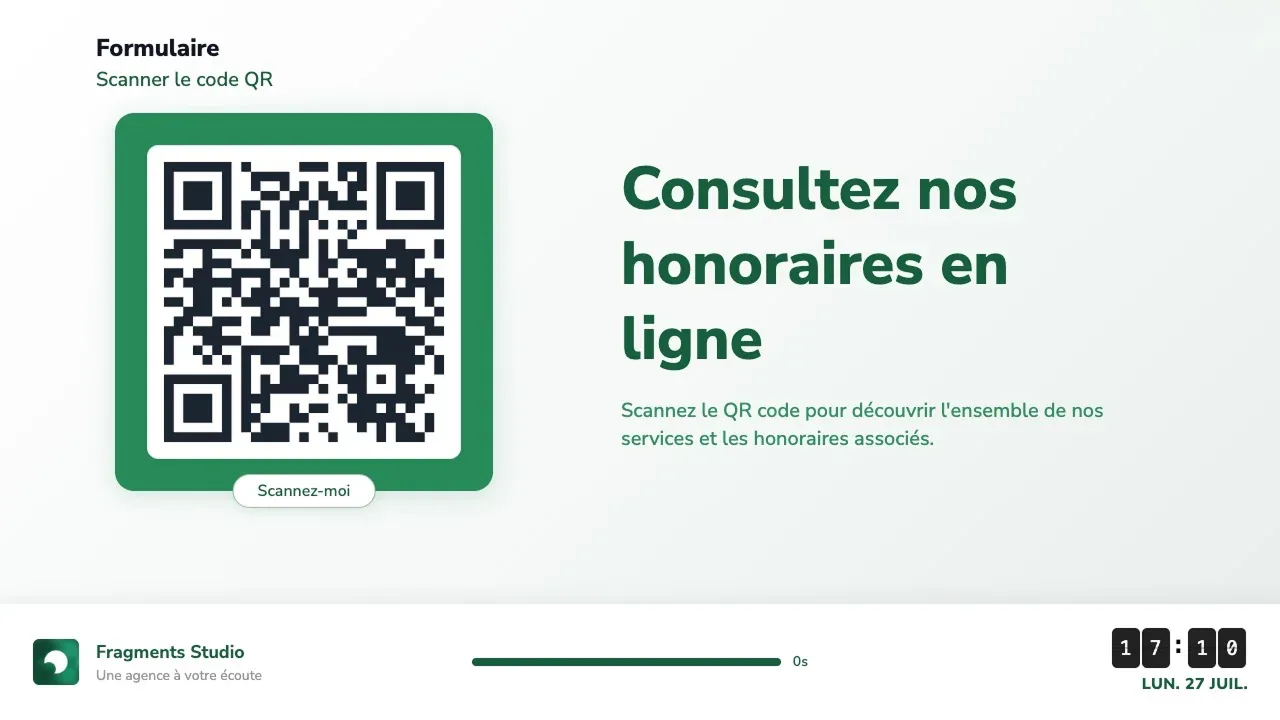
Your fee schedule has to remain viewable from the street. On a screen, updating it takes thirty seconds from your browser: no more posters to reprint, no more outdated rates taped behind the glass, no more different versions from one branch to the next.
A window that stays lively all day
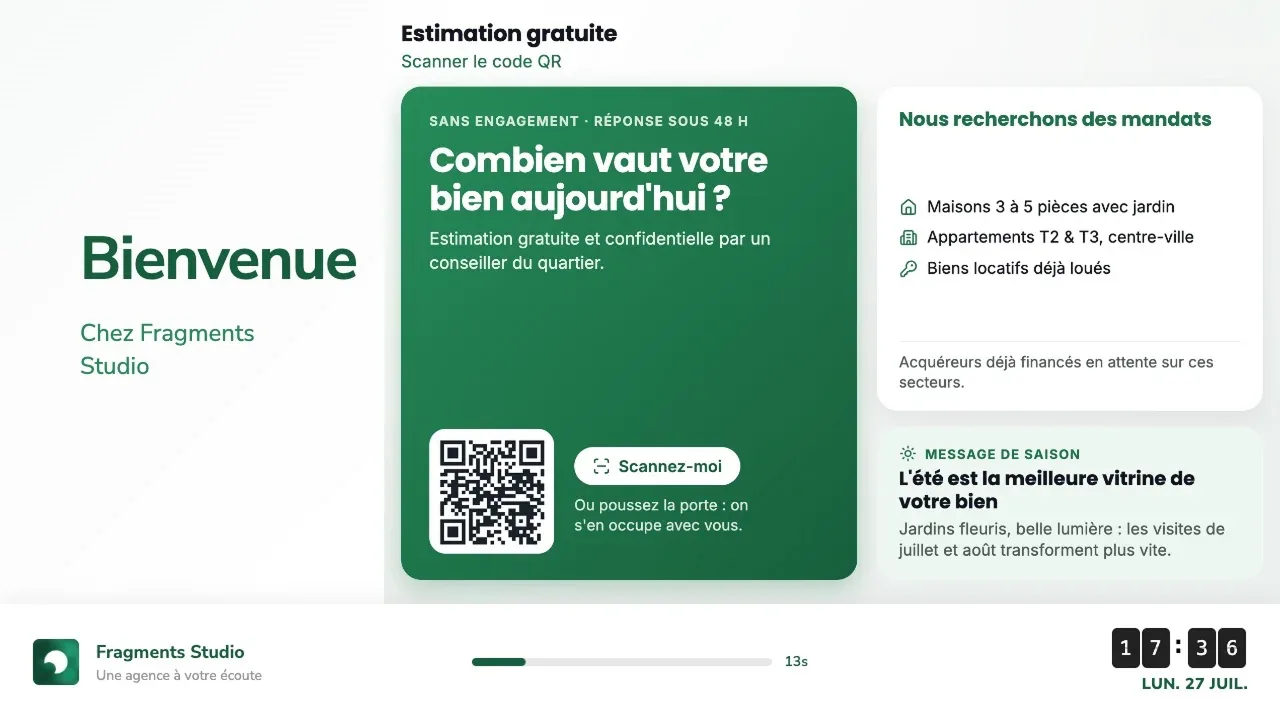
Seasonal messages, free valuation offers, calls for new instructions, neighbourhood news, local weather. A window that changes catches passers-by's attention, whereas a static poster becomes invisible after three days.
What digital signage brings to your window display
A remotely managed screen in your brand colours that keeps working for you even when the agency is closed.
No more posters to reprint
Fee schedule, legal notices and messages can all be edited from your browser. No more trips to the printer for a change in fees.
A window that catches the eye
Changing content grabs passers-by. A static poster becomes invisible to local residents within a few days.
Visible even when you are closed
In the evenings and at weekends, your window keeps showing your messages and fee schedule to passers-by.
Consistency across your network
Show the same message in every branch from a single dashboard, or tailor the content branch by branch.
On brand, no designer needed
Your agency or network's logo, colours and fonts, applied automatically to every template.
No complicated hardware
A Chromecast, a web browser or an Android TV plugged into the screen you already have. No proprietary player, no installation contract.
Screens designed for estate agents
Build your playlist from ready-made templates, for your window display as well as your reception area.
Fee schedule & legal notices
Your fees, your professional licence details and your mandatory notices, readable from the street and editable in one click.
Messages & calls to action
Free valuations, seeking new instructions, seasonal messages: the hook that gets people through the door.
Weather & local info
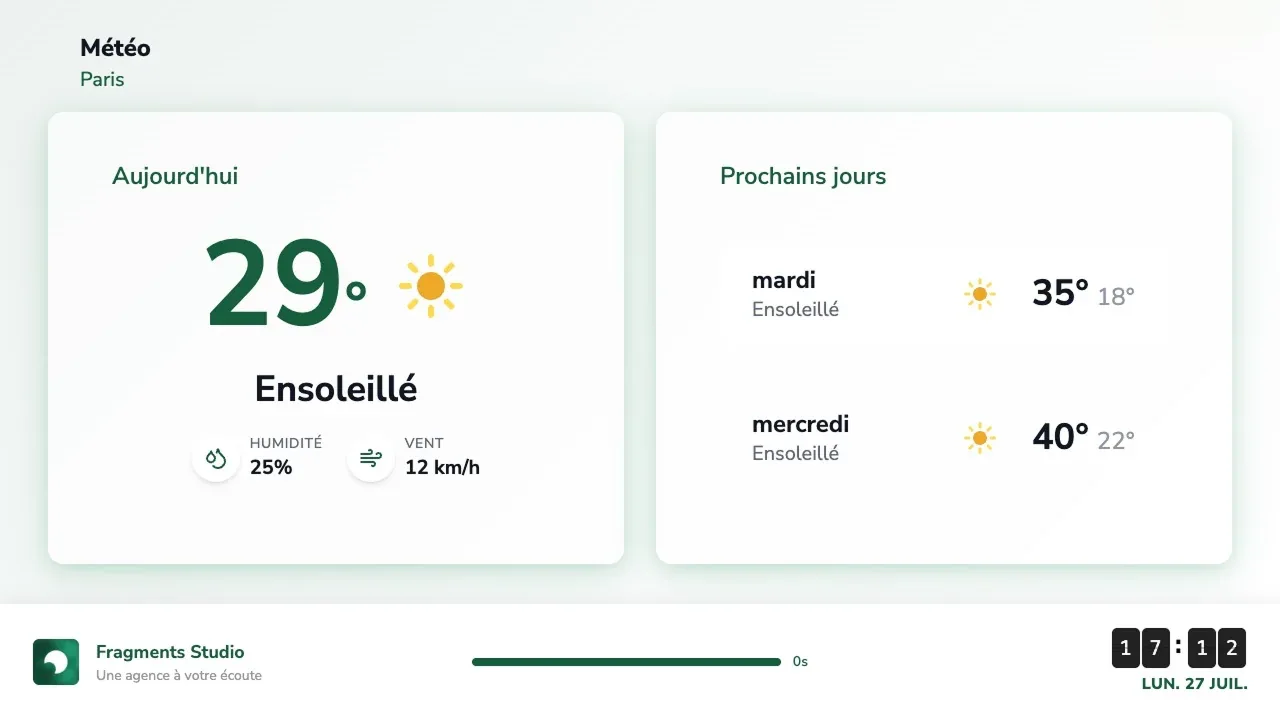
Local weather and practical information about the area, useful content that gives people a reason to stop.
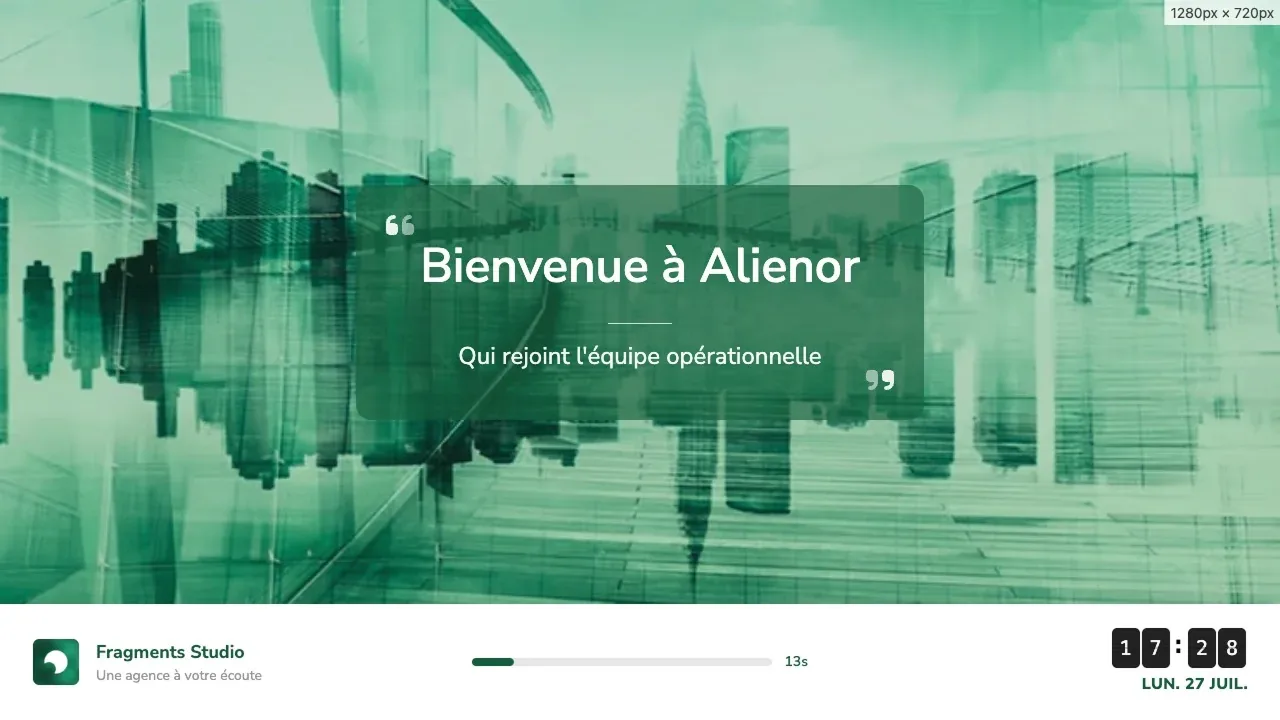
Client welcome screen
Inside the agency: a welcome message, an introduction to the team, the steps involved in buying or selling.
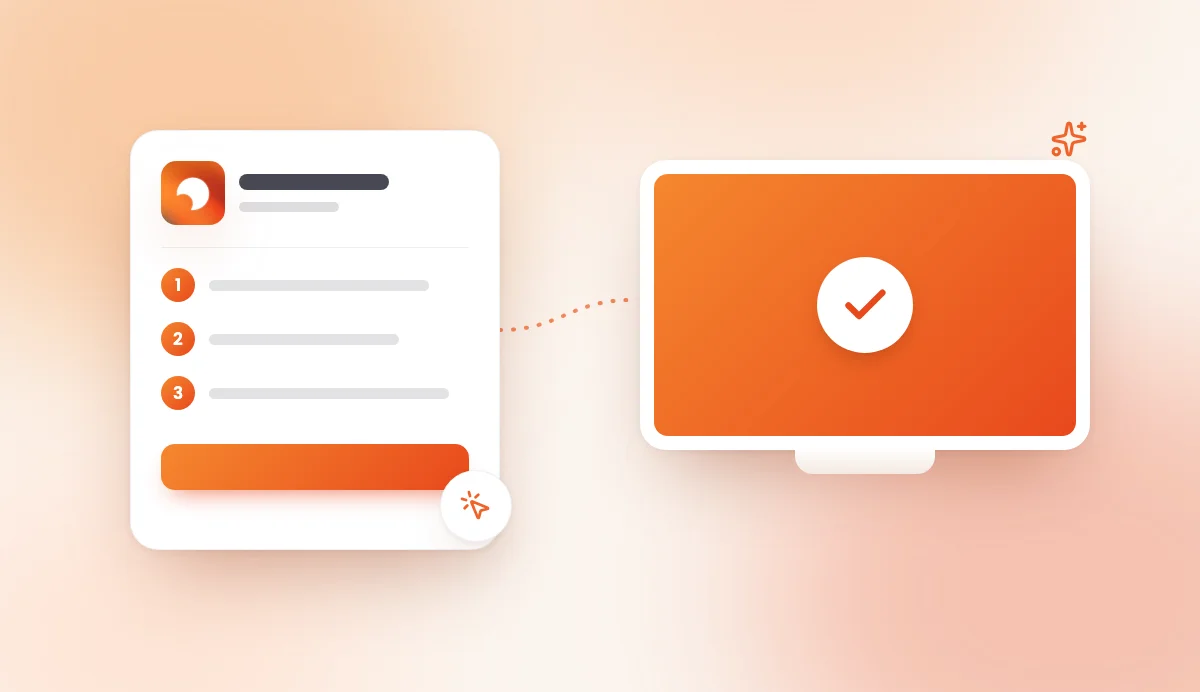
Up and running in 3 steps
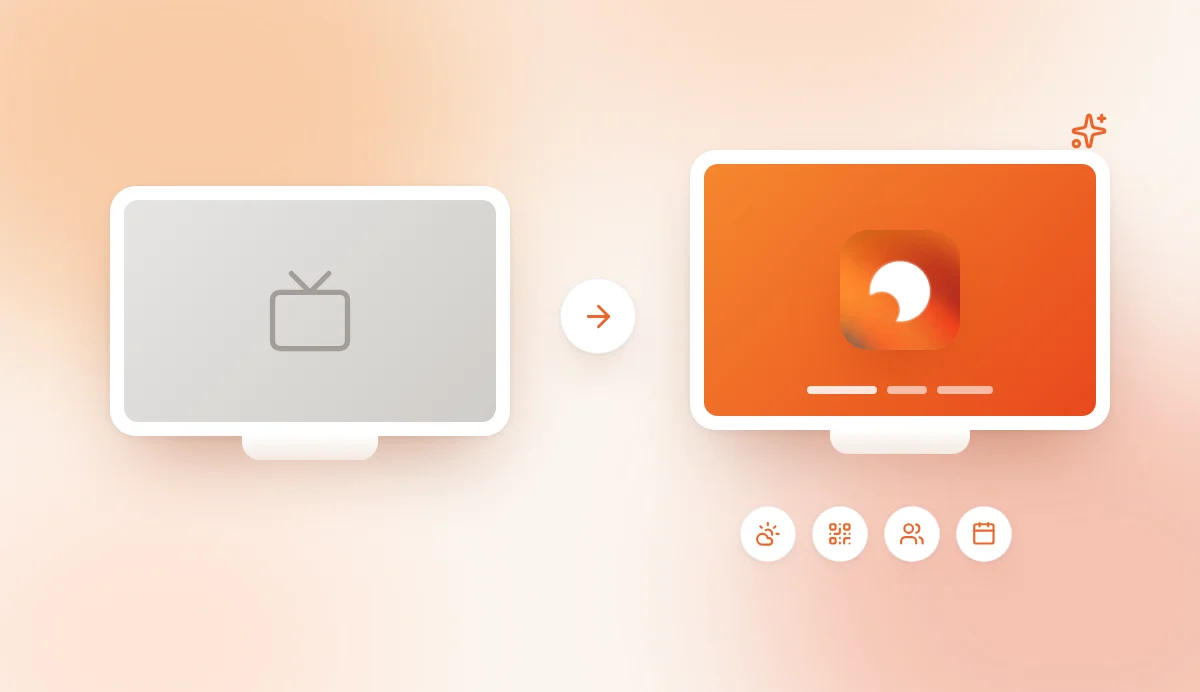
In under 5 minutes, on the screen or TV you already have.
- 01
Add your agency branding
Logo, colours, agency or network name: a screen that matches your brand guidelines.
- 02
Choose your templates
Fee schedule, messages, local info, welcome screen. Add your content in a few clicks.
- 03
Plug in and go live
A Chromecast or Android TV on your window screen, a code to enter, and your content starts playing.
Frequently asked questions
The answer to your question might already be here!
That depends on your screen and which way your window faces. A consumer TV stays readable in a north-facing window or one shaded by an awning, but struggles in direct sunlight, where a high-brightness window display screen is needed. AtmoScreen is software: it works just as well on a standard TV as on a professional window display with an HDMI input. If your window gets a lot of sun, keep your current screen and use AtmoScreen to manage its content.
Yes, it is actually one of the most common uses. You enter your fees, the share paid by the seller or the buyer and your notices in a dedicated template, and updates appear on screen immediately. Make sure the display remains readable from the street and complies with current requirements: we recommend having the content checked by your legal adviser or your network head office.
Regulations require certain information, including your fee schedule, to be viewable from outside the agency. A screen that is switched on during opening hours meets this requirement, but it does not exempt you from checking your position against the applicable rules, particularly if the screen is switched off at night. Many agencies keep a backup paper display alongside the screen. Have your setup checked by your legal adviser.
Illuminated displays visible from the street are subject to night-time switch-off rules, which vary according to local bylaws. Check with your local council, as hours and exemptions differ from one town to another.
You can create screens showcasing your featured properties with a photo, price and floor area, and edit them from your dashboard. Automatic syncing from your property software is not available yet: tell us which tool you use, as we are looking into the most requested integrations.
Further reading
Our guides to getting the most out of your screen.
Ready to bring your agency window to life?
Create your screen and go live in minutes, on the TV you already have. 7-day free trial, no commitment.