
Sector · Business
Corporate digital signage for reception areas and internal communication
AtmoScreen turns the TV in your reception area into a communication screen managed from your browser. Welcome messages for visitors, company news, practical information and today's notices. Set up in 5 minutes, with no changes to your network.
7-day free trial- 5 minto set up
- Chromecast& Android TV / Fire TV
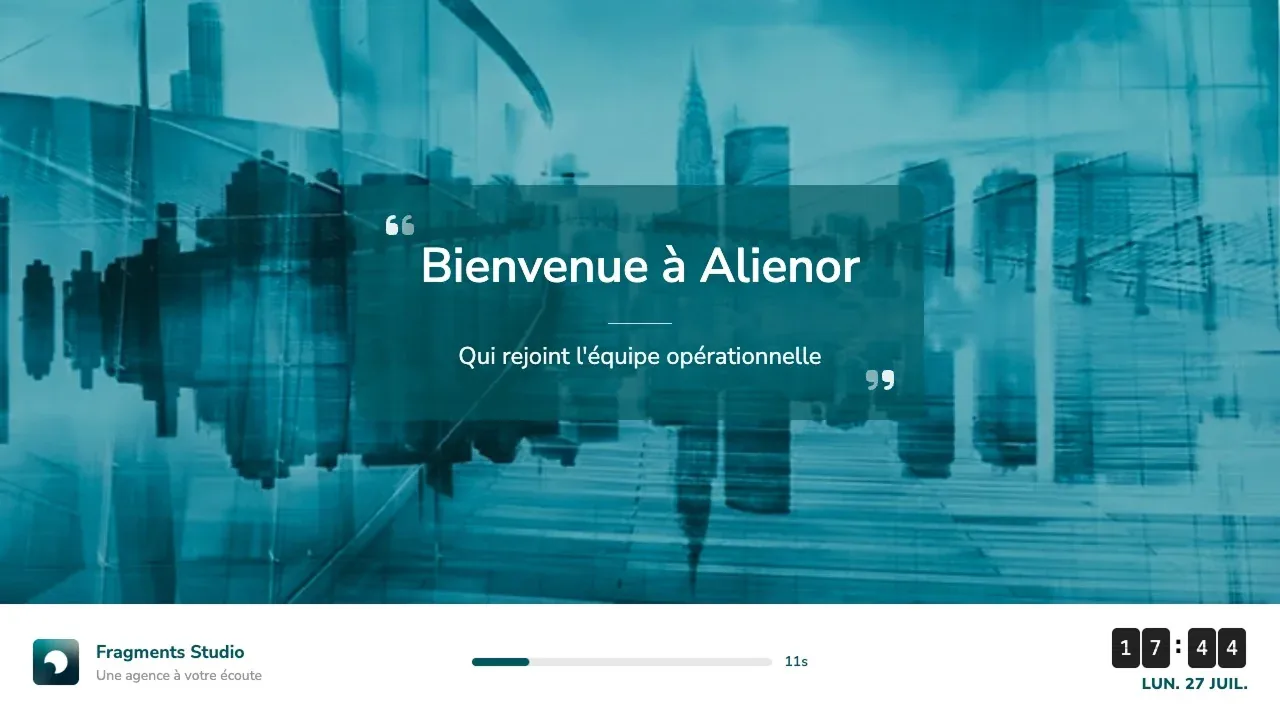
How AtmoScreen equips your reception area
Two uses that work side by side on the same screen: give your visitors a great welcome and keep your teams informed without yet another newsletter.
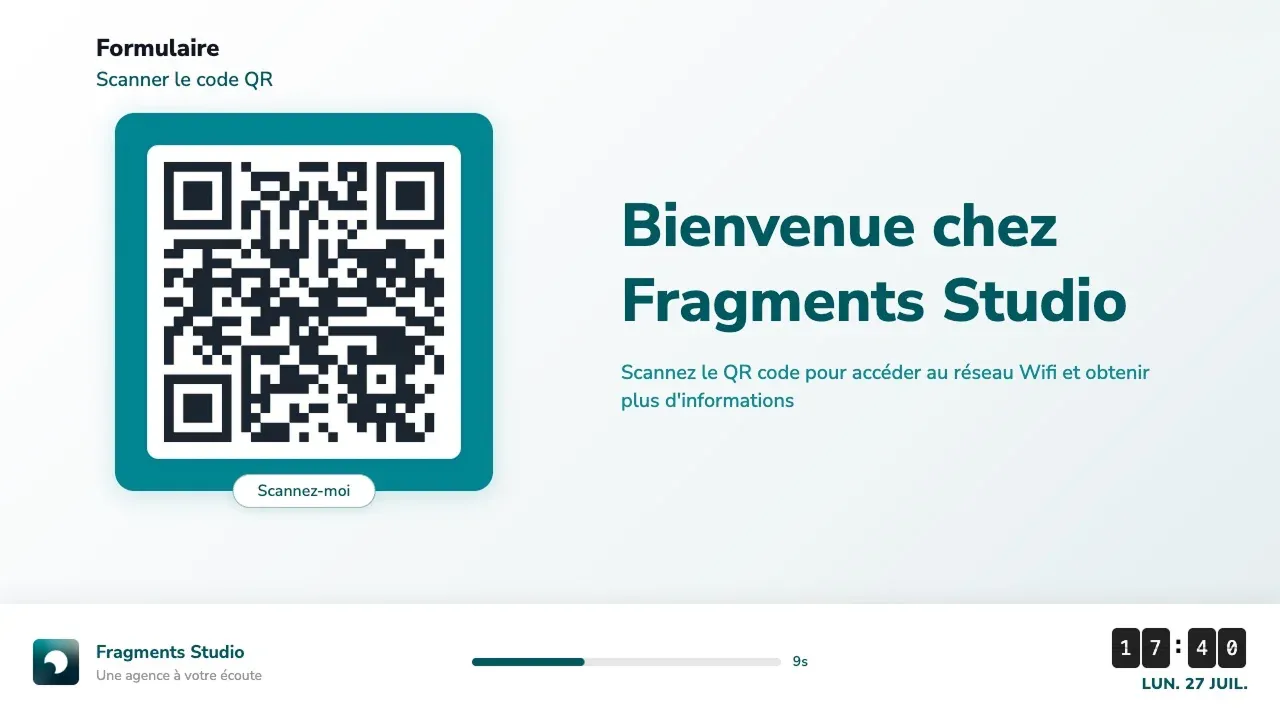
Give your visitors a great welcome
A welcome message with the name of the client or candidate you are expecting, a floor guide, the guest wifi code, safety instructions and evacuation procedures. Your visitors find the information without having to ask, and your reception makes a good impression before the first handshake.
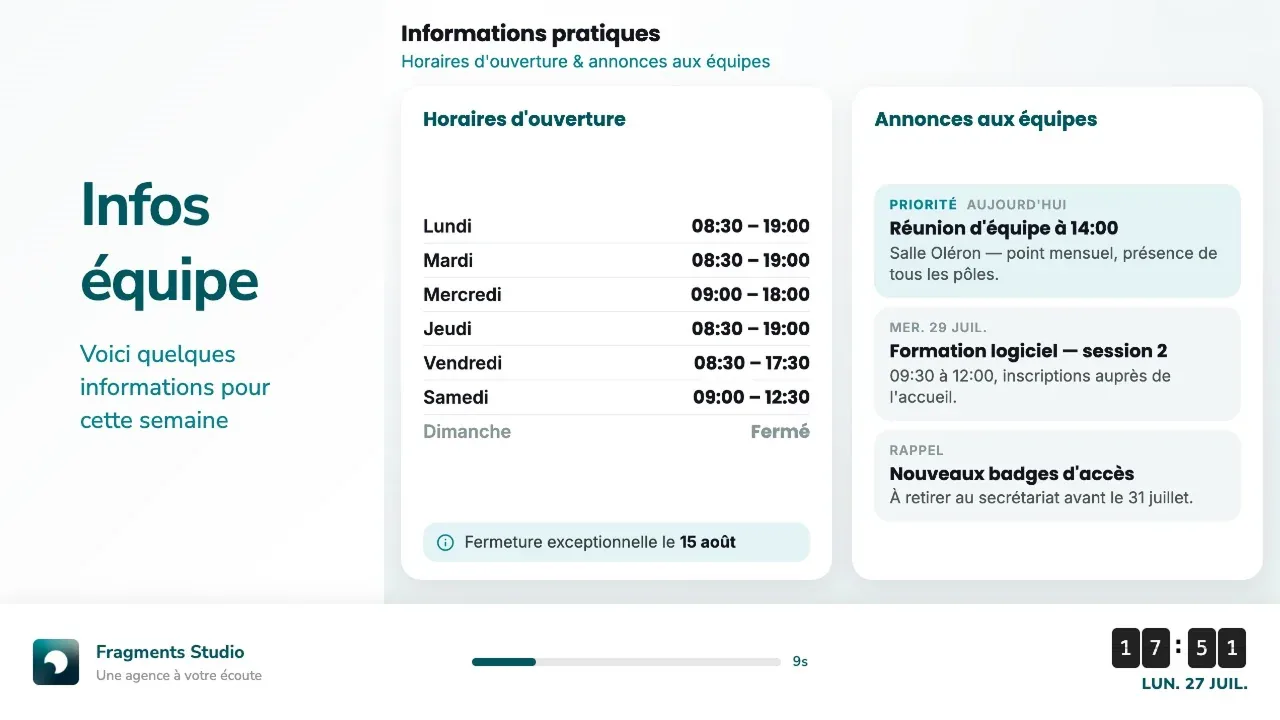
Keep your teams informed at all times
Company news, new starters and leavers, upcoming events, quarterly results, the staff restaurant menu. A screen in a busy area also reaches the people who never read their emails: field teams, production, logistics, night shift staff.
What digital signage changes for your business
An internal communication channel that needs no hardware budget and no ticket to the IT department.
A professional welcome
Logo, colours, a personalised welcome message. Your reception area projects the image of a well-organised company from the moment people walk in.
Finally reach your frontline teams
Production, logistics, shop floor, night shift: staff without a work email address see the information at the same time as everyone else.
Fewer requests at reception
Guest wifi, floor plans, opening hours, instructions. The recurring questions are answered on screen.
Remote, multi-site management
Edit content from any browser. Show one message across all your sites at the same time, or different content at each location.
No hardware, no installer
A Chromecast or Android TV is all you need. No professional display to buy, no player to provision, no cabling to run.
No reliance on the IT department
The app connects to wifi and pairs with a code. No ports to open, no workstation to deploy, no project to get signed off.
Screens designed for reception areas
Build your playlist from ready-made templates, suited to head offices, branches, industrial sites and coworking spaces.
Visitor welcome
A personalised message with the names of today's visitors, directions and the wifi code.
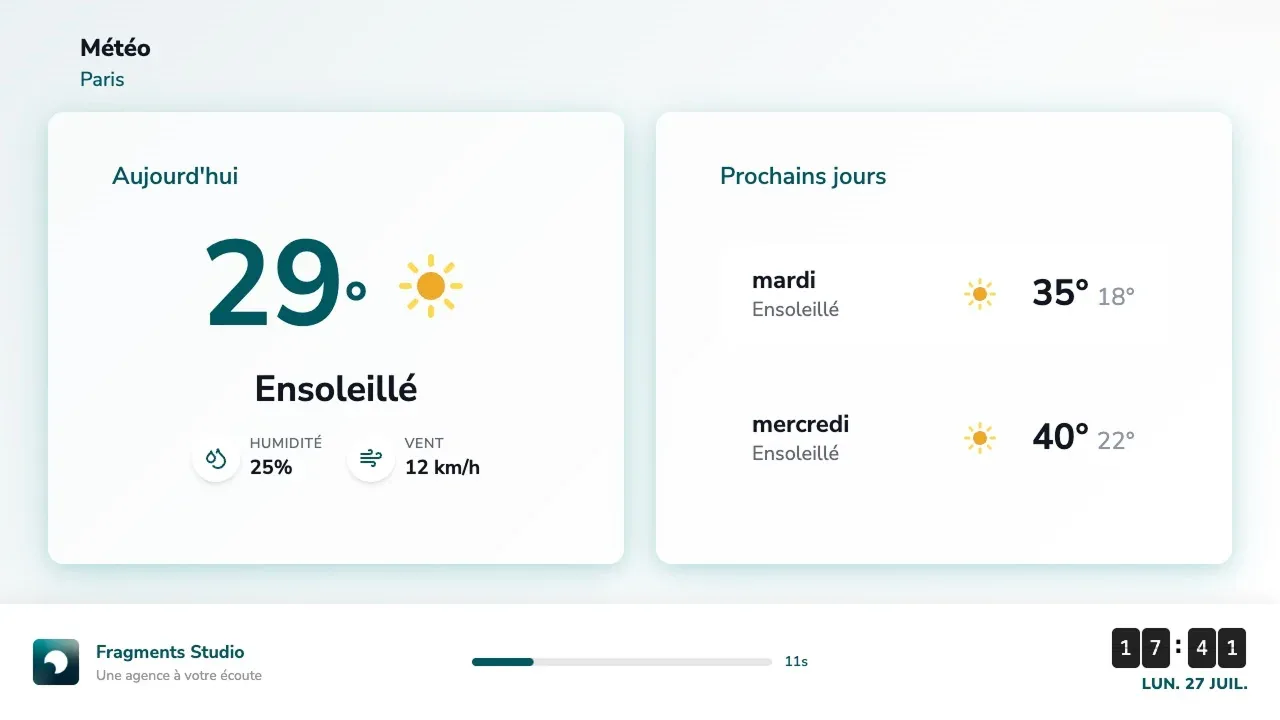
Weather & practical info
Local weather, site opening hours, today's news and travel information.
News & internal communication
Announcements, new starters, events and company highlights, updated in a few clicks.
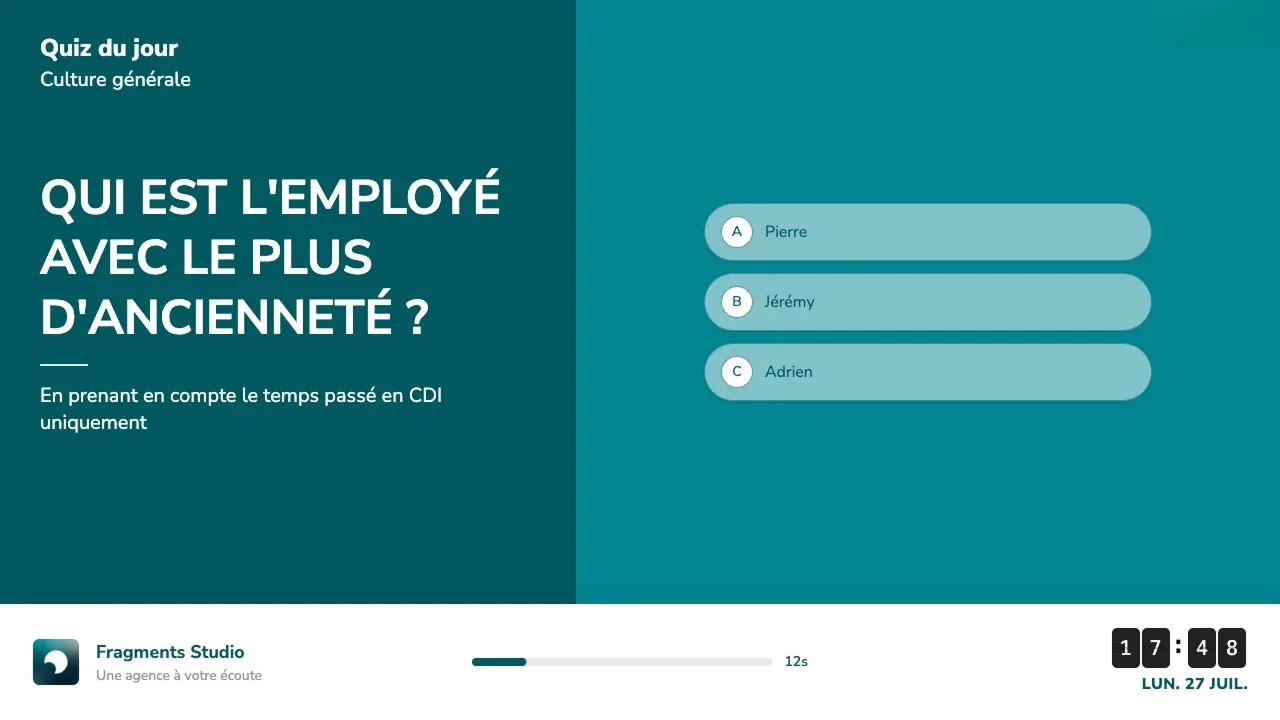
Quizzes & team moments
Short quizzes to liven up break areas and give everyone a breather during the day.
Up and running in 3 steps
In under 5 minutes, with no technician and no IT project.
- 01
Add your brand identity
Logo, colours, site name: a screen that matches your brand guidelines from the very first minute.
- 02
Choose your templates
Visitor welcome, news, weather, practical info. Add your content in a few clicks.
- 03
Pair your TV and go live
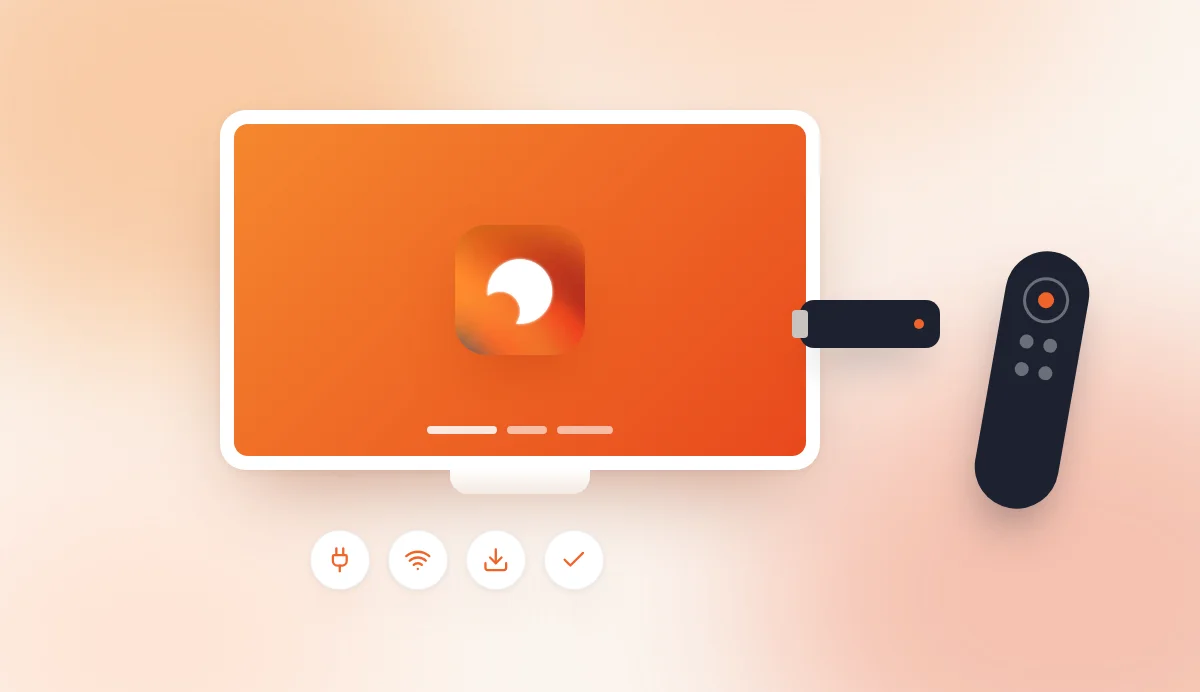
Install the app on your Chromecast or Android TV, enter the code shown on screen, and your content starts playing on a loop.
Frequently asked questions
The answer to your question might already be here!
You create your account, choose your screen templates and customise them from your browser. You then install the AtmoScreen app on your Chromecast or Android TV, enter the code shown on screen, and your content starts playing. Five minutes is all it takes, with no technician or contractor.
In most cases, no. The device connects to wifi like any other piece of equipment, and pairing is done with a six-character code shown on screen. No inbound ports to open, no workstation to deploy, nothing to install on your internal network. If your wifi uses a captive portal or strict filtering, your IT team simply needs to authorise the device, just as they would for a printer.
No, and we would rather be clear about this. Some legal information must remain physically displayed and accessible at all times on your premises. AtmoScreen is a complementary communication channel: visitor welcome, news, events, today's notices. It does not replace your statutory display obligations. Check the details with your legal department or your HR lead.
Yes. The Premium plan manages up to ten screens from a single dashboard, with the option to show the same message everywhere or different content at each site. For a group, a branch network or a larger estate, our custom plan removes all limits.
Yes. Logo, colours and labels can be configured on every template. If you need a specific screen that is not in the library, we design custom templates on request.
Further reading
Our guides to getting the most out of your screen.
Ready to modernise your company's reception area?
Create your screen and go live in minutes. 7-day free trial, no commitment.