Screening and vaccination campaigns rarely reach patients at the right moment, yet the waiting room gives them several minutes to read. Patient education screens work best with one-sentence messages, repeated in every loop, and a QR code linking to an official page. As a rough guide, allow 10 to 20 seconds per message and a loop of 3 to 5 minutes. The screen informs, it never replaces the conversation with the clinician. This article covers which campaigns to relay, how to write the messages, how often to show them and how to add a QR code. It builds on our guide to effective content for a waiting room screen.
At a glance
- Relay three topics: bowel (colorectal) cancer screening, mammograms and vaccination.
- One idea per screen, readable without sound, with a clear action.
- Show each message several times per loop, and refresh it in line with public health news.
- Add a QR code that leads to the exact official page, and check it regularly.
- Promise no figures: the screen helps patients get informed, it does not guarantee a screening rate.
Which preventive screening campaigns should you relay in the waiting room?
Start with the national campaigns that concern most of your patients: organised bowel cancer screening, breast cancer screening and vaccination. The choice remains yours, depending on your patients and the team's priorities.
- Bowel (colorectal) cancer screening: in France, according to the French national health insurance, women and men aged 50 to 74 are invited every two years to carry out a home test that detects blood in the stools. Age ranges and intervals vary from one country to another.
- Breast cancer screening: mammograms are part of an organised programme. Check the age and frequency criteria on official pages before displaying them.
- Vaccination: boosters, flu, Covid-19, shingles, HPV or pneumococcal vaccines, depending on each person's age and circumstances. The current national immunisation schedule is the reference.
A campaign is not right for everyone. A phrase such as "Does this apply to you? Ask a healthcare professional" is more careful than a general instruction. For content ideas beyond prevention, see our waiting room screen guide for healthcare professionals.
Do patient education screens improve prevention?
A screen improves access to information and can strengthen patients' knowledge of screening. On its own, it does not prove an increase in screening rates. This distinction should guide your messages.
A study carried out in family medicine practices observed better knowledge of screening after an educational video shown in the waiting room. The authors measured knowledge, not whether patients went on to get screened.
So talk about waiting room patient education: reliable information, at a moment when patients have time to read it, that invites them to ask the team a question. That is the purpose of a well-designed patient information screen.
Promoting preventive screenings: message, conversation and QR code
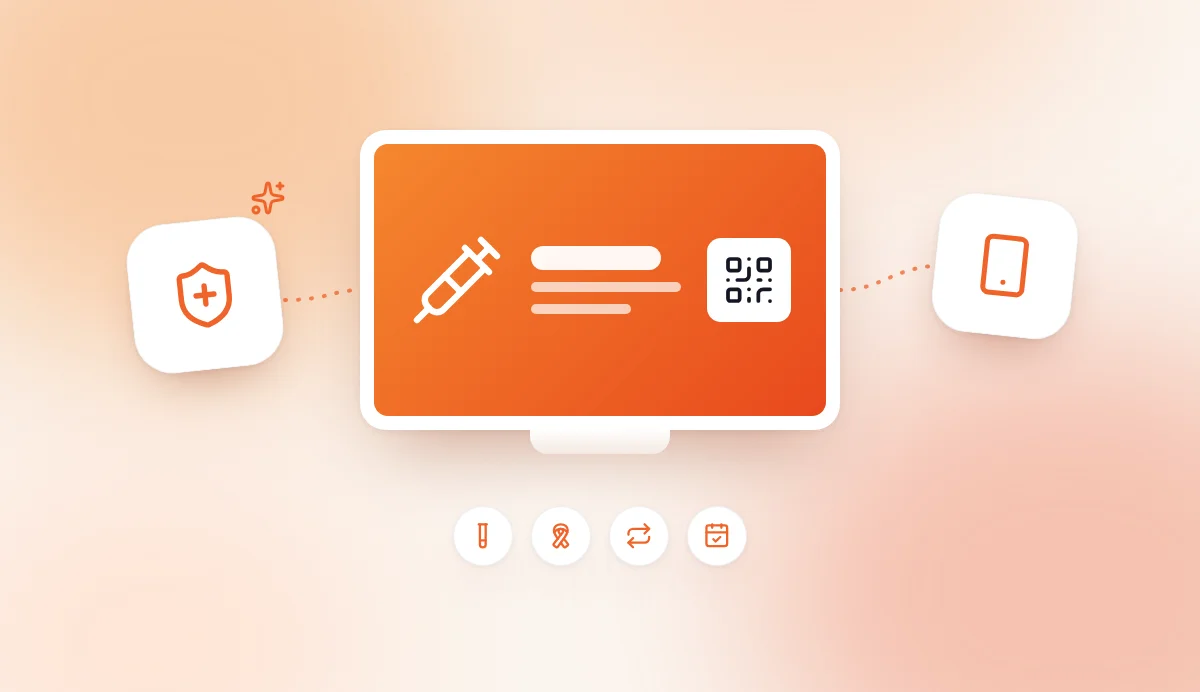
To promote screening, combine three elements: a short message, an invitation to talk to the clinician and a QR code linking to the official source. None of the three is enough on its own.
The message catches attention. The invitation to talk reminds patients that the decision is made with a professional. The QR code lets them read the details later, on their phone, without overloading the screen.
For a preventive screening waiting room campaign in a doctor's office or GP surgery, this approach avoids two pitfalls: the message that is too long, which nobody reads, and the message that is too assertive, which may be taken as personalised medical advice.
Which short messages should you display?
Display a single idea per screen, in one or two sentences, with a clear action. The examples below should be approved by a professional at your practice and checked against the official source before publication.
Bowel cancer screening
- "Aged 50 to 74? Bowel cancer screening takes place every 2 years. Talk to a healthcare professional."
- "Received an invitation for bowel cancer screening? Ask the team for advice."
- "There is a test you can do at home. Scan to read the official information."
In France, the details (how to get the test, what happens after a positive result) can be checked on the same French national health insurance page. Elsewhere, link to your national health service.
Mammograms
- "Breast cancer screening: does it apply to you? Ask your healthcare professional for advice."
- "Is your screening up to date? Mention it during your appointment."
Vaccination awareness screens
- "Vaccines: are your boosters up to date? Check with a healthcare professional."
- "Flu, shingles, HPV: recommendations depend on your age and circumstances."
- "Planning a pregnancy, living with a chronic condition? Ask for advice on your vaccinations."
Writing rules
These rules apply to all your prevention screens:
- one idea per screen, readable without sound;
- everyday vocabulary, for example "test" rather than an unexplained technical term;
- an action verb: "Scan", "Ask for advice", "Check your boosters";
- a note of caution when the message depends on age or circumstances;
- no diagnosis, and no promise of absolute protection.
How often should prevention messages be shown?
There is no universal frequency that guarantees more screenings. Instead, look for the balance between repetition and fatigue, and adjust based on what you observe in your waiting room.
Three practical guidelines:
- Repeat in every loop. A patient who waits 15 minutes should be able to see the message several times. One who waits 3 minutes should catch it at least once.
- Alternate topics. In a 3 to 5 minute loop, show for example a bowel screening message, a mammogram message, a vaccine message, then the practice's opening hours and practical information.
- Refresh in line with the news. Change the visual or the wording when a national campaign starts, when the immunisation schedule changes or when a recommendation is updated.
Also adapt the programme to the patients you see: paediatrics, gynaecology, general practice or care for older patients do not call for the same messages. With AtmoScreen, you edit the screens from the web back office and they update on the TV, without going anywhere.
To understand why varied content also makes waiting easier, read our article on the psychology of waiting.
How do you add a QR code linking to official information?
To add a QR code, choose a specific official page, generate the code, then add it to the screen with a visible instruction. The QR code complements the message, it does not replace it.
- Choose the source. National health insurance, the Ministry of Health or the national public health agency: favour a public body.
- Copy the exact URL. Aim for the page that matches the message displayed, not the website's home page.
- Generate the QR code. Use a free generator and export a sharp image.
- Add it to the screen. In AtmoScreen, you can use the Form (QR code) template, or add the code image to a Photo & video screen.
- Write the instruction. "Scan to read the official information" must remain readable from several metres away.
- Test. Scan the code with several phones, from the back of the room.
- Check regularly. An official page can change address: check the link each time you update a campaign.
Leave a white margin around the code and keep good contrast. State the source (for example "Source: NHS" or "Source: national health insurance") to reassure patients who hesitate to scan.
Can you manage these screens from ChatGPT or Claude?
Yes. AtmoScreen is available in ChatGPT and in Claude. You can ask, for example: "Suggest three short messages about bowel cancer screening for my waiting room, in a sober tone." Always review the result: an AI assistant must not invent a target age, a date or a link, and every medical message must be checked against the official source.
Frequently asked questions
How can practices promote preventive screenings in the waiting room?
Display a short message, invite patients to talk to a healthcare professional and add a QR code linking to an official page. One sentence is enough to catch attention, and the QR code carries the details. With AtmoScreen, you can chain these screens in a loop alongside the practice's practical information.
What types of waiting room screens educate patients?
Short prevention slides, QR codes to official health information and educational videos shown without sound all help educate patients. A study in family medicine observed better knowledge of screening after an educational video. However, no source supports promising a specific increase in screening rates, so present the screen as an aid to information.
Do prevention messages need sound?
No. The content must be understandable without sound, because the waiting room is a calm place where silence is the norm. Favour short sentences, text that can be read from a distance and a simple visual.
Who should approve the messages before publication?
The practice manager or a designated healthcare professional. A check is needed before the first broadcast, then each time the immunisation schedule or screening recommendations change. This also applies to texts written with ChatGPT or Claude.
How many prevention messages should be shown at the same time?
Limit yourself to two or three campaigns per loop, mixed with practical information. Beyond that, each message appears less often and the loop gets longer. Refresh campaigns in line with public health news rather than piling them up.
Conclusion
Prevention in the waiting room relies on short messages, repeated at the right pace and linked to an official source by QR code. You support the campaigns without promising results, leaving the clinician to give advice. You can try AtmoScreen free for 7 days, no credit card required.