A printed window goes out of date as soon as a price drops, a property sells or night falls. A real estate window display solves all three problems: it rotates several properties in the same spot, stays readable after closing time and is edited from a web browser, with no reprinting. With AtmoScreen, the "Property listings" template (price, energy rating, QR code) is included in the Premium plan at €39.99/month, with no commitment. This guide explains when to replace or complement paper, how to stay visible at night, how to organise the rotation of properties and messages, and which hardware to plan for. It is built around the day-to-day needs of an estate agent.
You can try AtmoScreen free for 7 days, no credit card required.
In short
- The screen shows several properties in rotation where a paper card shows only one.
- The price, the energy rating and the "sold" label are changed from the web back office.
- A dark background, large text and a sharp QR code stay readable at night.
- A hybrid set-up, screen plus the required paper notices, is often the simplest.
- The "Property listings" template is part of the Premium plan.
Real estate window display: replace or complement paper?
The most realistic option is often to complement: the screen takes the fast-moving properties, paper keeps the permanent information. Full replacement suits agencies whose stock changes every week.
Paper has well-known limits. Every price change means printing, a trip to the window and manual fixing. A window with a handful of cards shows only part of your portfolio, and a sold property sometimes stays on display for days.
The table below compares a traditional estate agent window display with a screen.
| Criterion | Paper window | Window screen |
|---|---|---|
| Properties on show | Limited by the space | Several, in rotation |
| Price change | Print and put up | Edit online |
| Sold property | Removed by hand | Removed or marked "sold" online |
| Readability at night | Depends on the shop lighting | The screen makes its own light |
| Extra content | Rare | Messages, reviews, QR code |
| Recurring cost | Printing | Software subscription |
If you are unsure, keep a poster for fixed notices (opening hours, fee scale, contact details) and leave everything else to the digital window. You lose nothing and you can test the effect on enquiries.
How to stay visible at night with a screen
A screen switched on behind the glass stays readable when the agency is closed, as long as the content is adapted: dark background, large text, few elements per slide. At night, contrast works in your favour: reflections disappear and the screen stands out.
To make the most of it:
- Use a dark background and light text, with the price in very large type.
- Limit each slide to one property, one photo, one price, one energy rating and one QR code.
- Make the QR code large enough to be scanned from the pavement.
- Adjust the brightness of the TV or display in its settings: daytime brightness is too strong in the evening.
- End the loop with your contact details and a call to get in touch.
Think about local rules too. Switch-off or brightness rules may apply to screens visible from the street, for example through local advertising or planning rules. Check with your local council before deciding to run the screen 24 hours a day.
Update your estate agent window display in one click
With a web back office, a property is updated from a computer: you edit the content, you save, and the window screen shows the new version. No more reprinting or trips to the window.
AtmoScreen is managed from a back office that runs in a browser. The window screen is paired with a code shown on the TV. Here is what you can correct quickly:
- a price reduced after a negotiation;
- a property's energy rating after a new assessment;
- the main photo of a property whose pictures change;
- a "sold" or "under offer" label;
- the campaign message between two listings (open day, free valuation).
This avoids the most awkward situation: a sold property still in the window. It also lets a colleague out on a viewing correct a price without going back to the office. Simplicity matters: see why in our article on simple digital signage.
Rotating properties (price, energy rating, QR code) and messages
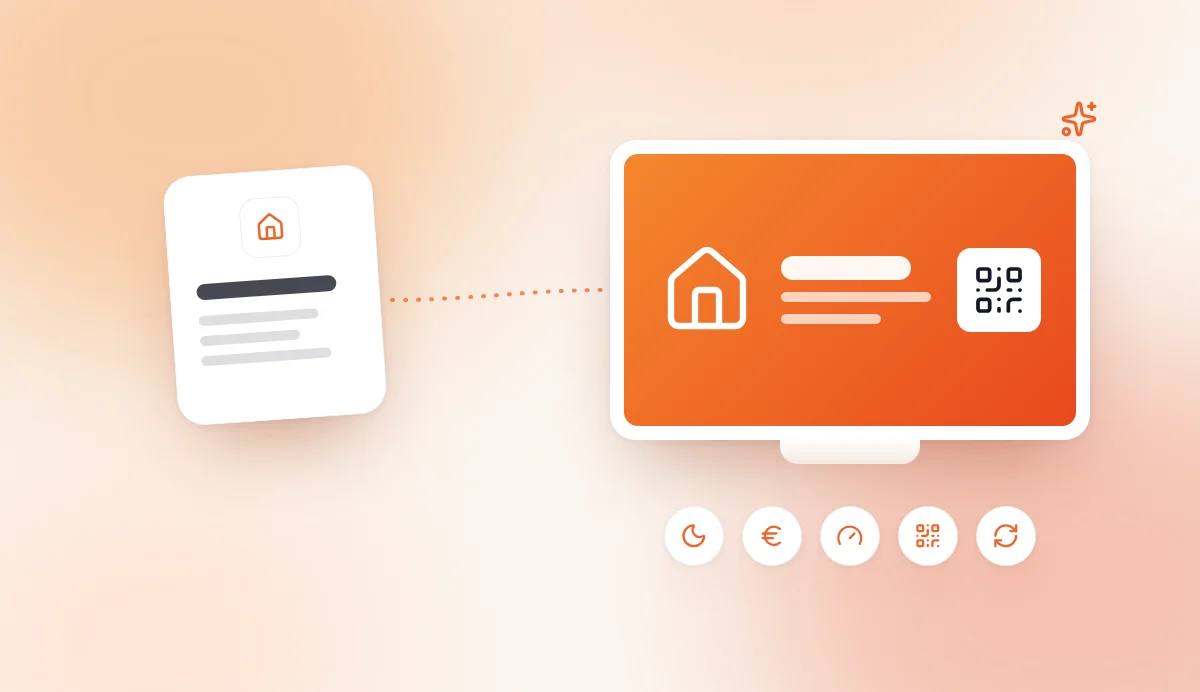
The rotation alternates property cards and short messages, each shown long enough to be read from the street. AtmoScreen's "Property listings" template (Premium plan) is designed for these cards: price, energy rating and QR code.
What a property card contains
A card that can be read in a few seconds includes:
- a sharp main photo;
- the type of property and the town or neighbourhood;
- the price, in large type;
- the energy rating: in France, the DPE runs from A to G according to energy consumption and greenhouse gas emissions, according to Service-Public (the UK equivalent is the EPC);
- the floor area and the number of rooms;
- a QR code to the full listing, the photo gallery or a viewing request.
Check with your network or the relevant consumer authority (the DGCCRF in France, Trading Standards in the UK) which details your listings must show (energy rating, price, fees). They vary with the type of transaction, and the lowest energy ratings call for care. These points are governed by official texts, not by a tool.
Messages to slot in between
Messages turn a passer-by into an enquiry. A few ideas, each kept to one sentence:
- "Selling? Ask for your valuation" with a QR code to a form, using the Form template;
- client reviews, with the Google Reviews template, to build trust;
- opening hours and contact details, with the Hours and practical info template;
- an introduction to the team, with the Team template.
Timing and running order
An effective sequence has 6 to 10 slides. Alternate two or three properties, then a message, then properties again. Put your recent or priority instructions first.
Leave each card on screen long enough to read the price and scan the QR code, a few seconds longer than a simple visual. Then adjust by watching what passers-by read from the pavement.
The hardware behind the glass for estate agent digital window screens
You need a display that is readable in daylight behind glass and a way to play AtmoScreen on it. The app runs on Chromecast, Android TV, Google TV, Amazon Fire TV, Xiaomi, in the Chrome browser and on Android.
A standard TV is often not bright enough facing a sunny shop window. A high-brightness display, in the order of several times the brightness of a consumer TV, gives a sharper result during the day. To compare the options, read consumer TV or commercial display.
Once the display is chosen, you plug in a compatible streaming stick or use an Android smart TV, then enter the code shown. For a broader guide to reception screens, see digital signage in the waiting room, whose logic also applies to estate agent window displays.
On budget, the Premium plan costs €39.99/month (up to 10 screens, Premium templates), with a 20% discount on annual billing: a subscription that replaces regular printing. Details are on the pricing page. No third-party advertising is shown on your screens: only your own communication appears in the window. For a network of several branches, contact the team for a tailored offer.
Frequently asked questions
What screen should an estate agent use for a window display?
Choose a display that is readable in daylight behind glass, ideally a high-brightness model. Portrait suits narrow windows, landscape suits wide shopfronts. It needs an HDMI port for a compatible streaming stick, or must run Android TV, to play AtmoScreen.
How do estate agents use digital window displays?
They replace some of their paper cards with a screen that rotates their properties, with price, energy rating and QR code, and keep paper for fixed notices. They keep it readable (little text, strong contrast) and refresh the loop every week. AtmoScreen lets them edit the content from a browser.
Can the screen show the energy rating and the price?
Yes. AtmoScreen's "Property listings" template, included in the Premium plan, shows the price, the energy rating (DPE) and a QR code for each property. The details your listings must show should still be checked against official texts or your consumer authority.
Should you get rid of the paper window entirely?
No, it is not required. Many agencies keep a poster for permanent information and hand the property rotation over to the screen. You can also start with a single screen and measure the effect during the 7-day free trial.
Conclusion
A window screen lets you show more properties, stay readable at night and correct a price without reprinting. The simplest set-up combines a suitable display, a short loop of property cards and messages, and a QR code on every listing. You can try AtmoScreen free for 7 days, no credit card required, and test the "Property listings" template in your window.